
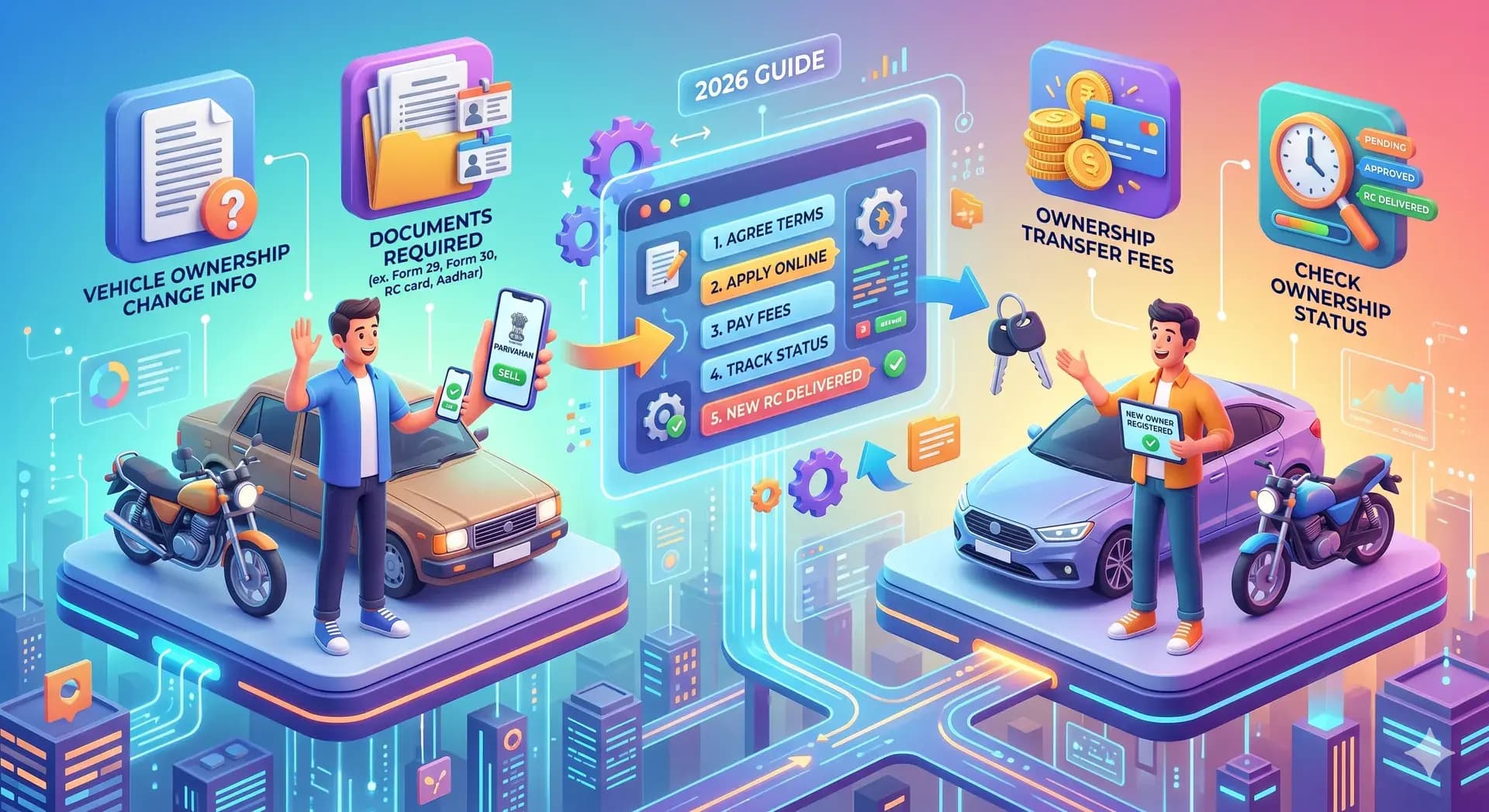
Vehicle Registration2026 guide
Ownership Change of VehicleRC Ownership Transfer Process, Status, Fees & Documents (2026 Guide)
R
May 17, 2026•10 min read
Ownership change of a vehicle is a legal process that must be completed whenever a vehicle is sold, purchased, or transferred. This process updates the vehicle ownership details in the Registration Certificate (RC) and ensures that the new owner is legally recognized.
Today, you can complete the ownership change online using the Parivahan portal without visiting the RTO.
In this guide, you will learn:
Ownership change means transferring the legal ownership of a vehicle from one person to another by updating the RC (Registration Certificate).
This process is also called:
Once completed:
You must apply for vehicle ownership change in situations like:
Delaying ownership change can lead to legal complications.
Ownership change is not just a formality—it is legally required. It ensures:
If ownership is not updated, the previous owner may still be responsible for the vehicle.
To change vehicle ownership online, visit Parivahan portal, enter vehicle details, submit buyer and seller information, upload documents, pay fees, and complete verification.
Follow this complete ownership transfer process:
Used vehicle sale
Most common case
Family transfer
Within state rules
Interstate
NOC may be required
The RC is updated with the new owner’s details.
Start ownership change, upload documents, and pay fees on the official portal.
To complete RC ownership transfer, you need:
For interstate transfer: NOC is required.
Ownership change fees vary by vehicle type and state.
| Vehicle type | Approx. fee |
|---|---|
| Two wheeler | ₹300 – ₹500 |
| Car | ₹300 – ₹500 |
Additional charges may apply for: smart card, hypothecation removal, and interstate transfer.
After applying, you should track your ownership change status online.
Steps:
You can also use the RC status page to track updates.
While checking status, you may see:
If you are buying a used vehicle:
If you are selling your vehicle:
Users often face issues like:
Solution:
Always transfer ownership immediately.
Ensure transfer is completed to avoid liability.
Remove hypothecation before ownership transfer.
Track status and contact RTO.
To manage your vehicle registration properly, you may also need:
“Complete ownership change right after a sale — delays leave the seller legally exposed and the buyer without proof.”
Visit Parivahan portal, enter details, upload documents, and submit application.
Identity proof, address proof, RC, insurance, and PUC.
You can check status online using Parivahan portal.
It is the process of updating vehicle ownership details in RC.
Yes, ownership change can be completed online.
Ownership change is a crucial step after buying or selling a vehicle. Completing the ownership change online process ensures legal ownership, prevents future risks, and keeps your vehicle records updated.
Disclaimer: This article is for general information only and is not affiliated with any government authority. Follow current notifications on official Parivahan / Vahan portals.