

Check RTO Vehicle Information & Vehicle Details Online with Vehicle Number
Get your vehicle information, RTO office details, RTO Codes and get vehicle owner details by number plate
Get your vehicle information, RTO office details, RTO Codes and get vehicle owner details by number plate
Top Features
Check RTO Vehicle Information
🔍 Enter Vehicle Number
Enter your vehicle number to get instant RTO details.

📄 View Vehicle Details
Check owner name, model, registration date, fuel type, and more.

⚡ Get Results Instantly
Access accurate vehicle information online in seconds.

What is RTO Vehicle Information?
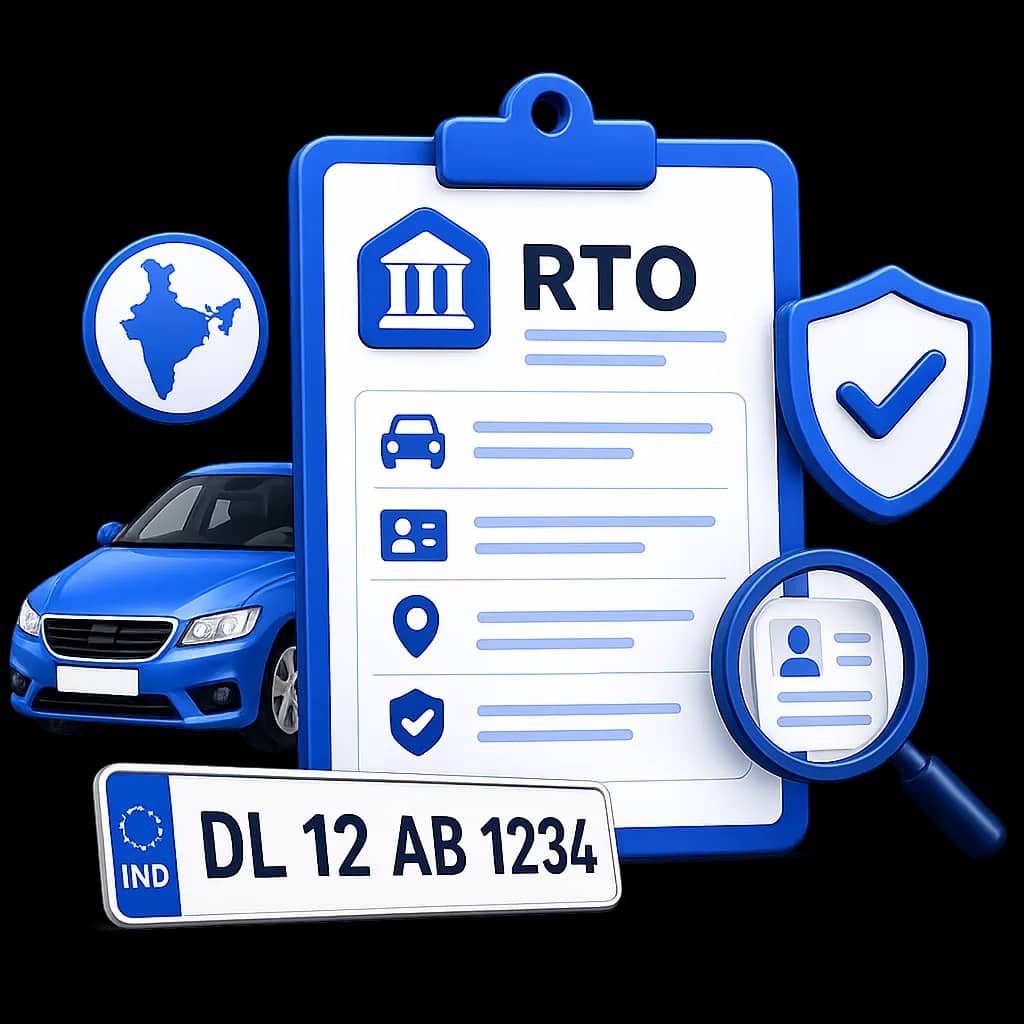
RTO Vehicle Information refers to the official vehicle details and registration records maintained by the Regional Transport Office (RTO) in India. These records include the vehicle registration number, RTO office details, RTO codes, and basic vehicle information linked to a vehicle number plate. By using a vehicle number, users can identify important vehicle details and RTO information associated with the registered vehicle.
Get RTO Vehicle Information By State
Get your vehicle details and RTO information by vehicle number in your states
 Uttar Pradesh
 MP
MP Delhi
Delhi Gujarat
 Bihar
Bihar Rajasthan
 Odisha
 Tamil Nadu
 West Bengal
 Karnataka
 Andaman and Nicobar Islands
 Andhra Pradesh
 Arunachal Pradesh
 Assam
Assam Chandigarh
 Chhattisgarh
 Dadra and Nagar Haveli and Daman and Diu
 Goa
Goa Haryana
 Himachal Pradesh
 Jammu and Kashmir
 Jharkhand
 Kerala
 Ladakh
 Lakshadweep
 Maharashtra
 Manipur
 Meghalaya
 Mizoram
 Nagaland
 Puducherry
 Punjab
 Sikkim
 Telangana
 Tripura
 Uttarakhand
How to Check RTO Vehicle Information Online?
There are 4 methods to get RTO Information online.
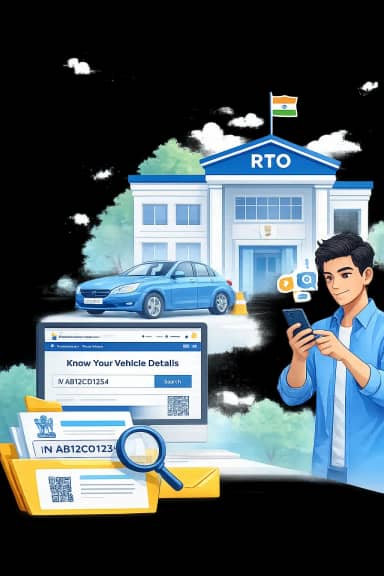
Method 1. Check RTO Vehicle Information via the Parivahan Sewa Portal (Official Website)
The Parivahan Sewa Portal is the primary government platform to check vehicle details online using the vehicle number. It provides registration information stored in the national vehicle database.
Visit the official Parivahan Sewa portal.
Go to Informational Services.
Select "Know Your Vehicle Details."
Log in using your mobile number and verify the OTP.
Enter the vehicle registration number.
Complete the captcha verification.
Click Search Vehicle to view the vehicle information.
Method 2. Get RTO Information via the RTO Vehicle Information Platform
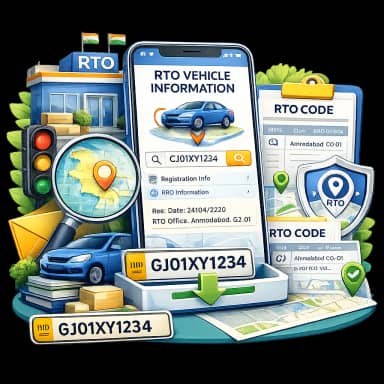
The RTO Vehicle Information platform provides a simple way to understand vehicle details, RTO office details, and RTO codes associated with a vehicle number. The platform helps users identify vehicle registration information and locate the relevant RTO office based on the vehicle number or selected location.
Visit the RTO Vehicle Information website.
Enter your vehicle registration number or select your state and district.
Click the Check Now button.
View the RTO information and related vehicle details.
Method 3. Check Vehicle Details Using the mParivahan Mobile App
The mParivahan app is the official mobile application launched by the Ministry of Road Transport and Highways to provide digital vehicle and driving licence services. It allows users to quickly check vehicle details and RTO information using the vehicle number.
Install the mParivahan app from the Google Play Store or Apple App Store.
Open the app and register using your mobile number.
Verify the OTP sent to your phone.
Tap the RC Search / Vehicle Details option.
Enter the vehicle registration number.
Tap Search to view the results.
Method 4. Check Vehicle Information via SMS (Without Internet)
Vehicle information can also be obtained using the official VAHAN SMS service, which works even without internet access.
Open the SMS application on your mobile phone.
Type the following message:
VAHAN
Example: VAHAN GJ05AB1234
Send the SMS to 7738299899.
You will receive a reply message containing basic vehicle details and RTO information.
What Vehicle Details You Can Check
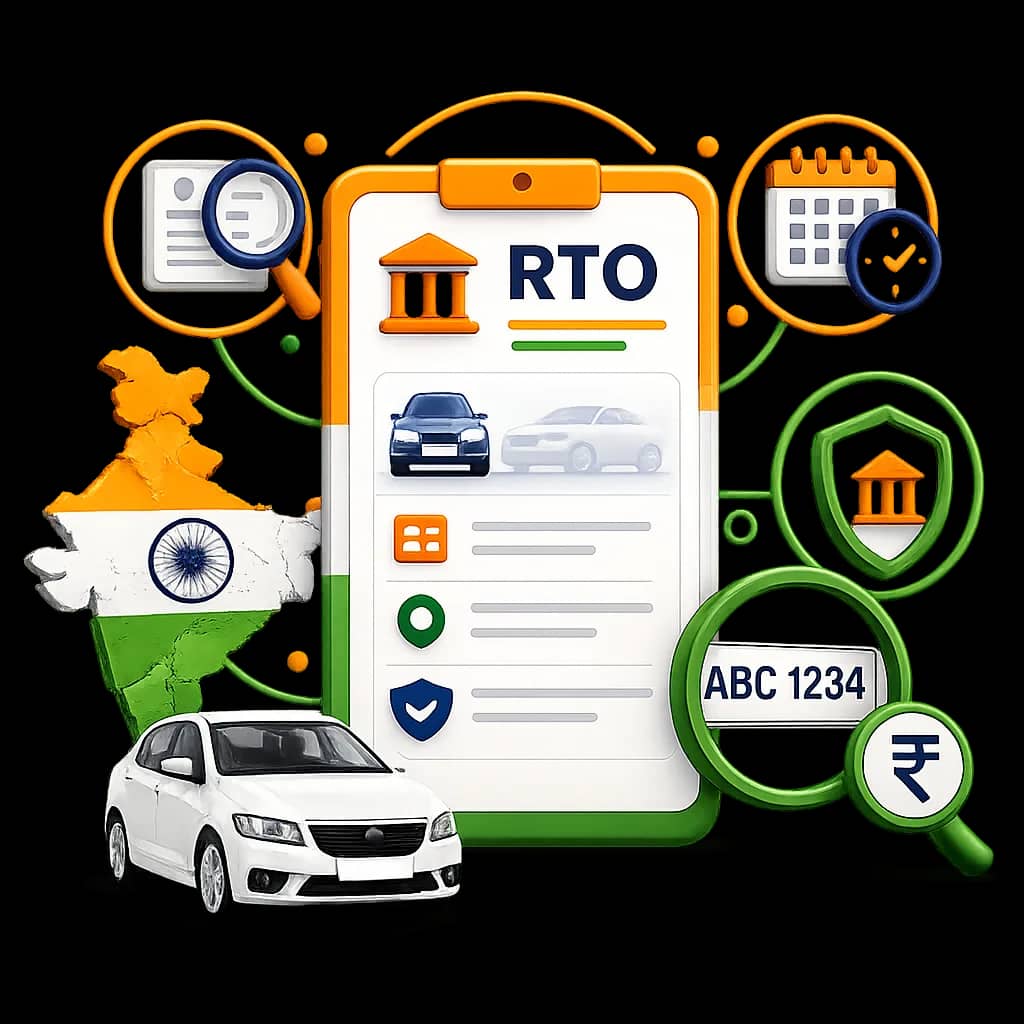
Using a vehicle number, users can access several important vehicle details including:
Why RTO Vehicle Information is Important?
RTO Vehicle Information helps users understand important vehicle details and registration records associated with a vehicle number. It allows people to identify the registration state, RTO office details, and basic vehicle information linked to a vehicle.
Checking vehicle information is useful in several situations, including:
 Vehicle verification before buying a used vehicleConfirming registration details linked to a number plateIdentifying the RTO office and registration locationUnderstanding RTO codes and vehicle registration format
RTO Vehicle Information also helps identify the vehicle registration authority and registration location. It can be useful for verifying vehicle records, checking registration details, and understanding RTO codes associated with vehicle numbers.
Vehicle Registration Number Format in India
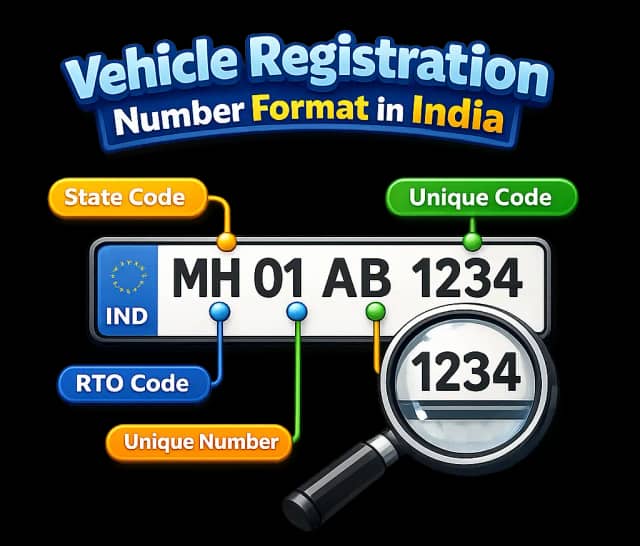
Every vehicle registered in India receives a unique vehicle registration number issued by the Regional Transport Office (RTO). This number helps identify the registration state, RTO office, and vehicle details associated with a vehicle.
Example vehicle number:
GJ 05 AB 1234
Meaning:
Understanding this format helps users identify RTO office details and vehicle registration location.
Why Check RTO Vehicle Information Online?
Checking RTO vehicle information online is important to verify ownership, confirm legal status, and avoid fraud. It helps you access accurate vehicle details from official records and make safe decisions before buying or using any vehicle.
Legal Status Verification
Ensure the vehicle is properly registered with the RTO. Driving an unregistered or invalid vehicle can result in fines or legal action.
Owner Details Check
Verify the actual vehicle owner using RTO records. This is crucial when buying a used vehicle or handling ownership transfers.
Safe Vehicle Purchase
Before buying a second-hand car or bike, checking RTO vehicle details helps confirm that all information is genuine and matches official records.
Insurance Verification
Check whether the vehicle has valid insurance coverage to avoid future claim issues or penalties.
RC & Registration Validity
Confirm whether the Registration Certificate (RC) is active or expired to stay compliant with transport rules.
Pollution & Compliance
Verify if the vehicle meets emission norms and other government regulations required for road use.
Complete Vehicle Information
Access key details like vehicle model, fuel type, registration date, and RTO location in one place.
Fraud Prevention
Avoid scams by checking for stolen vehicles, fake RC documents, or mismatched ownership details.
Government Data Accuracy
All information is sourced from official RTO databases, ensuring reliable and up-to-date vehicle records.
Services Offered by RTO (Regional Transport Office)
Core services, clearly grouped for quick understanding and faster access.
 Vehicle Registration Services
New Vehicle Registration
RC Renewal
Duplicate RC
Driving Licence Services
Apply for Learner Licence
Driving Licence Renewal
Duplicate Driving Licence
Ownership Transfer
Transfer of Vehicle Ownership
RC Transfer (Buyer/Seller)
Ownership Change (Death Case)
RC & Vehicle Information
Check RC Status
Vehicle Details by Number
Owner Details Check
Tax & Fee Services
Road Tax Payment
Registration Fees Payment
Hypothecation Fees
E-Challan Services
Check e-Challan Status
Pay Traffic Challan
View Violation Details
Fitness Certificate
Apply for Fitness Certificate
Fitness Renewal
Commercial Vehicle Fitness
PUC (Pollution) Services
Check PUC Status
Emission Compliance Check
Permits Services
National Permit
State Permit
Goods Vehicle Permit
Passenger Vehicle Permit
RTO Information
RTO Code Search
RTO Office Details
State-wise RTO List
Hypothecation Services
Add Hypothecation
Remove Hypothecation
Loan NOC Update

Trusted by Users for RTO Vehicle Information and eChallan Check
Real user experiences from vehicle owners using RTO and eChallan tools.
Amit Singh
Uttar Pradesh
⭐⭐⭐⭐⭐
This website helped me understand RTO Vehicle Information and vehicle details using a vehicle number. The explanation of RTO codes is very clear.
Rahul Sharma
Madhya Pradesh
⭐⭐⭐⭐⭐
I was able to learn how to check vehicle registration details online easily. The guide for RTO information is simple and helpful.
Ankit Mishra
Uttar Pradesh
⭐⭐⭐⭐⭐
The eChallan check feature is very helpful. I was able to check my traffic challan details using the vehicle number quickly and understand the pending challan information.
Pooja Sharma
Delhi
⭐⭐⭐⭐⭐
I used the eChallan check option on this website to verify traffic challan details. The steps are simple and it helped me find the challan information linked to my vehicle.
.


Frequently Asked Questions
Common questions about RC search, challans, insurance, and RTO workflows.
How to check vehicle details online?
You can check vehicle details online using the vehicle registration number through vehicle information portals. Enter the vehicle number to view basic RTO vehicle information and registration details.
How to check vehicle registration details?
Vehicle registration details can be checked by entering the vehicle registration number on an online vehicle information service to view the associated vehicle details and RTO office information.
What is RTO?
RTO (Regional Transport Office) is the government authority responsible for vehicle registration, driving licences, and maintaining vehicle records in India.
What is the full form of RTO?
The full form of RTO is Regional Transport Office, which manages vehicle registration and transport services in a specific region.
What is RTO Vehicle Information?
RTO Vehicle Information refers to the official vehicle details maintained by the Regional Transport Office, including the vehicle registration number, RTO office details, and registration state.
What vehicle details can be checked using a vehicle number?
Using a vehicle number, you can check vehicle registration details, RTO office information, registration state, vehicle class, and fuel type.
What does a vehicle registration number indicate?
A vehicle registration number shows the state code, RTO office code, and unique vehicle number assigned during vehicle registration.
What are RTO codes?
RTO codes are unique numbers assigned to Regional Transport Offices and appear in vehicle registration numbers to identify the registration location.
How can I find RTO details from a vehicle number?
You can find RTO details from a vehicle number by entering the vehicle registration number on a vehicle information service. The system identifies the registration state and RTO office linked to the vehicle number.
What does the RTO code in a vehicle number mean?
The RTO code in a vehicle number indicates the Regional Transport Office where the vehicle was registered. It helps identify the registration location and RTO authority.
Can I check vehicle owner details using a vehicle number?
Basic vehicle owner details and vehicle information can be verified using the vehicle registration number through vehicle information services.
What is the format of a vehicle registration number in India?
A vehicle registration number usually follows this format:
State Code + RTO Code + Series + Number
Example:
MH 01 AB 1234
This format identifies the state, RTO office, and unique vehicle number.
Why do vehicles have RTO codes?
Vehicles have RTO codes to indicate the Regional Transport Office where the vehicle was registered. These codes help identify the vehicle registration location and authority.